
You can not select more than 25 topics
Topics must start with a letter or number, can include dashes ('-') and can be up to 35 characters long.
16 KiB
16 KiB
5. 🛠️ Hardware
5.1 🎮 Teleoperation Devices
The following items are required for teleoperation.
| Item | Quantity | Specification | Remarks |
|---|---|---|---|
| Unitree General Humanoid Robot G1 | 1 | https://www.unitree.com/cn/g1 | Developer computing unit version required |
| XR Device | 1 |
apple-vision-pro pico4-ultra-enterprise quest-3 quest-3s |
Please refer to our WiKi [XR_Device] |
| Router | 1 | Recommended: at least WiFi6 support | Required in wired mode; optional in wireless mode. |
| User Computer | 1 | Recommended x86-64 architecture | For simulation mode, please follow NVIDIA official hardware recommendations for deployment. |
| Head Camera | 1 |
Monocular camera (built-in Realsense D435i) Stereo camera (external mount, see details at chapter 5.2) |
Used for robot head perspective, stereo camera provides more immersion. Driven by image_server |
| USB3.0 Cable | 1 | Type-C double straight connectors, about 0.2m length | For connecting the stereo head camera |
5.2 💽 Data Collection Devices
The following items are optional devices for recording datasets. Parameters, links, etc. are for reference only.
5.2.1 Stereo Camera 60 FPS
- Materials
Compared with the camera in Section 5.2.2, this one increases the frame rate from 30 FPS to 60 FPS, and its mounting dimensions differ.
| Item | Quantity | Specification | Remarks |
|---|---|---|---|
| Stereo RGB Camera | 1 | 60FPS, 125°FOV, 60mm baseline | For robot head perspective |
| M4x16mm Screws | 2 | Reference | For fastening camera bracket |
| M2x5mm/6mm Screws | 8 | Reference | For fastening (camera - camera mount) and (camera mount - camera cover) |
- 3D Printing Parts
| Item | Camera Bracket | Camera Cover Plate | USB-Type-C Clamp | Download Link |
|---|---|---|---|---|
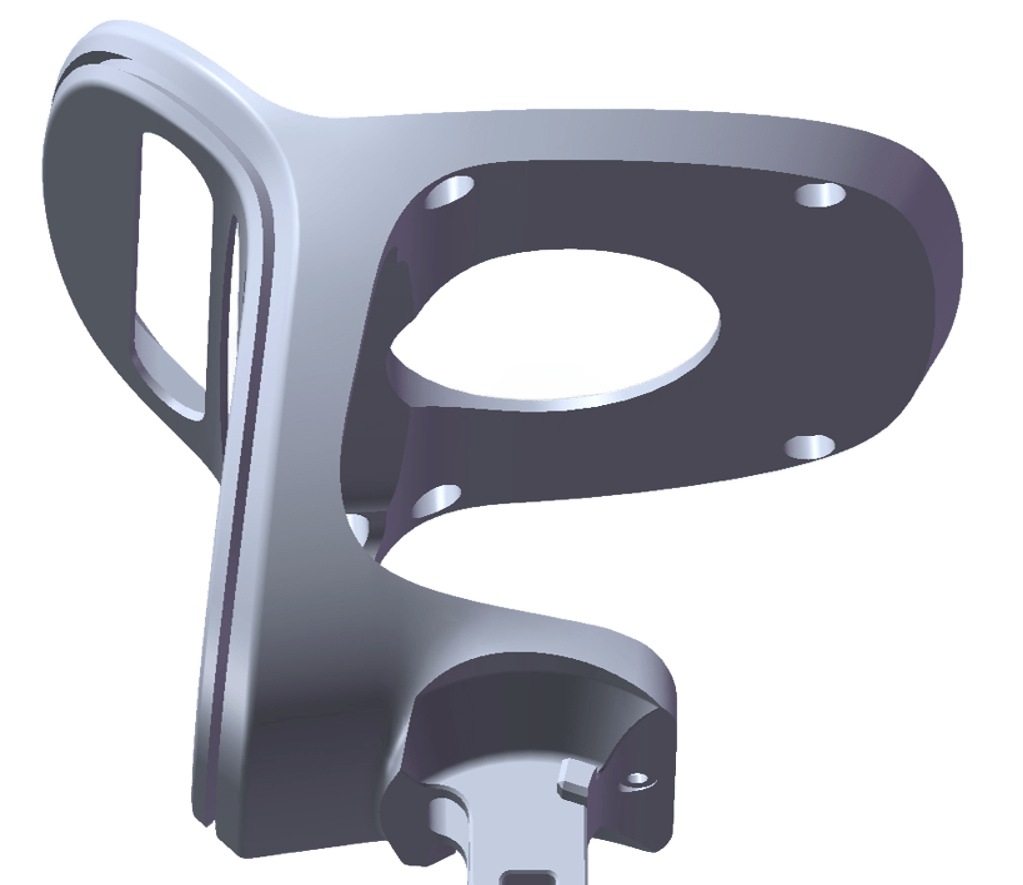 Classic Head (98mm) |
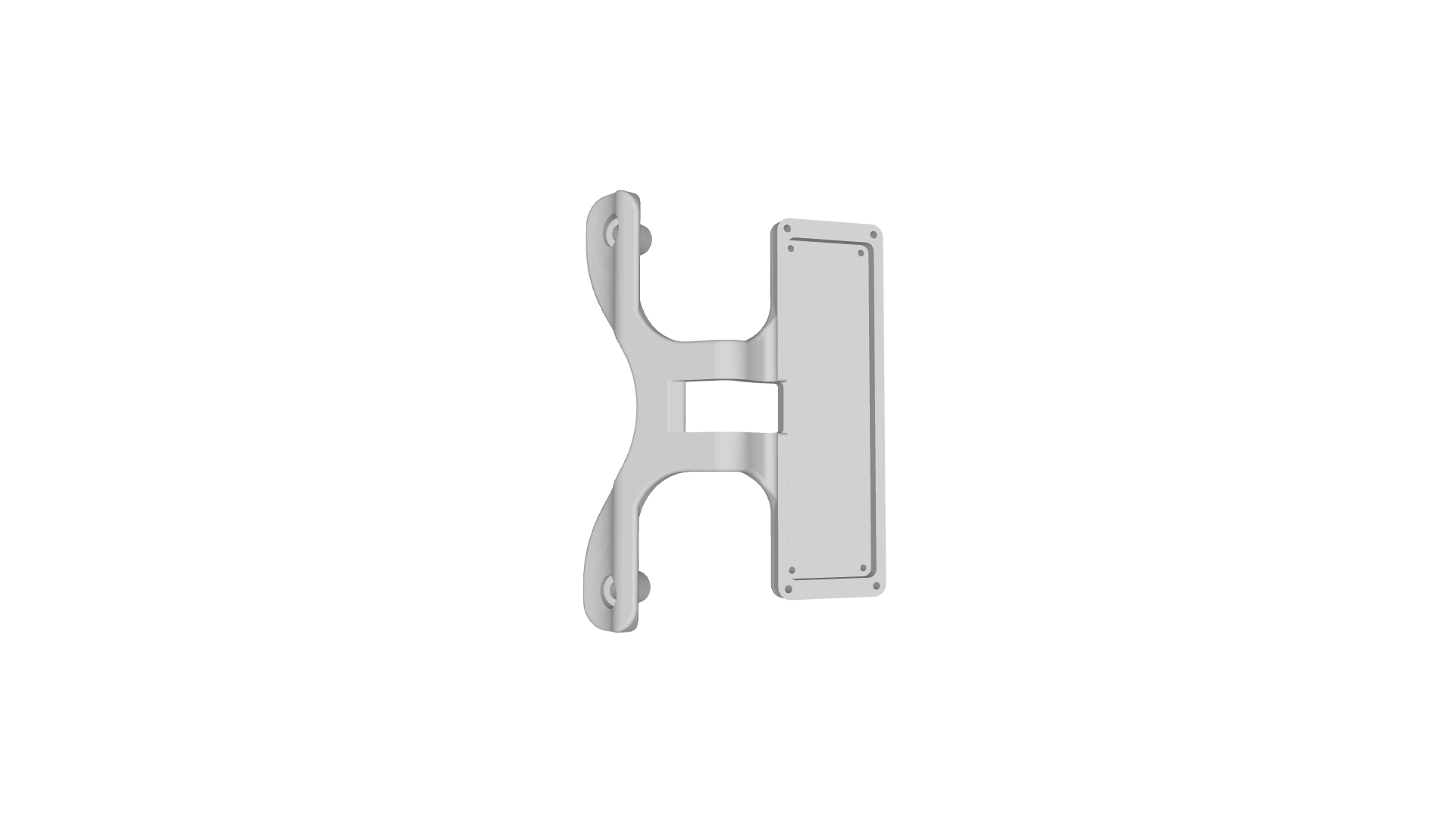 |
 |
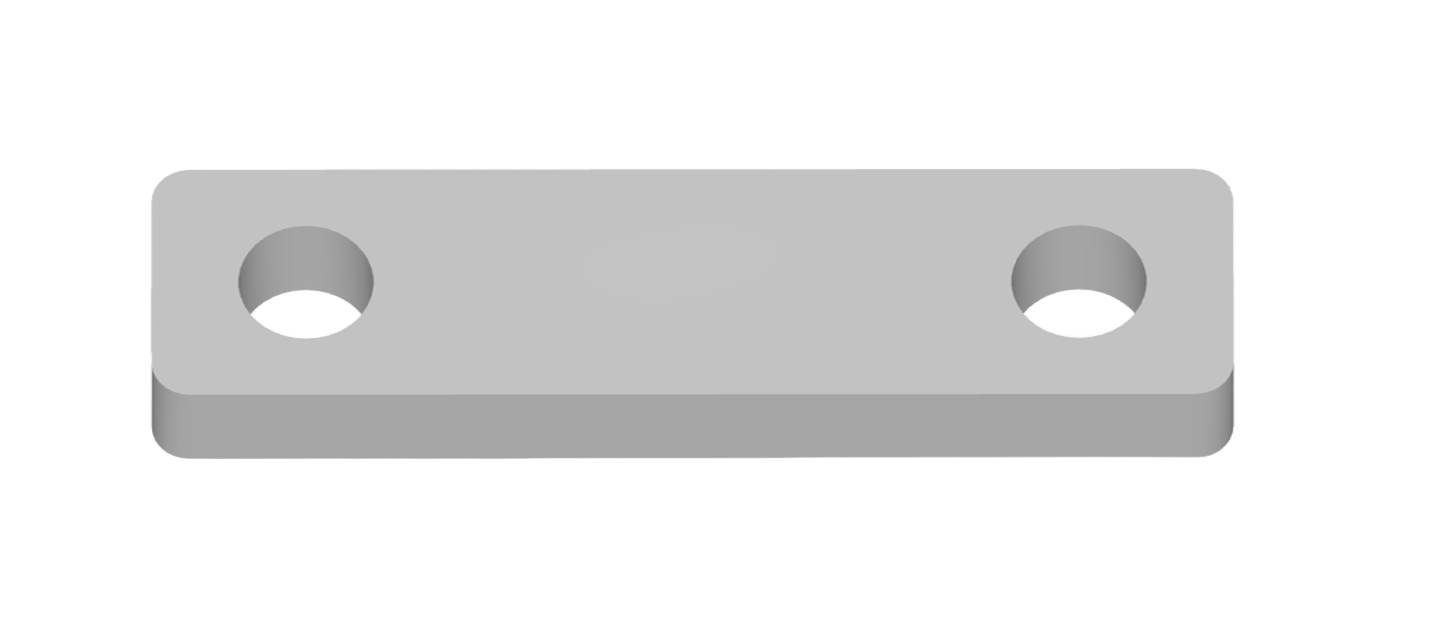 |
📥 Classic 3D Printing Parts |
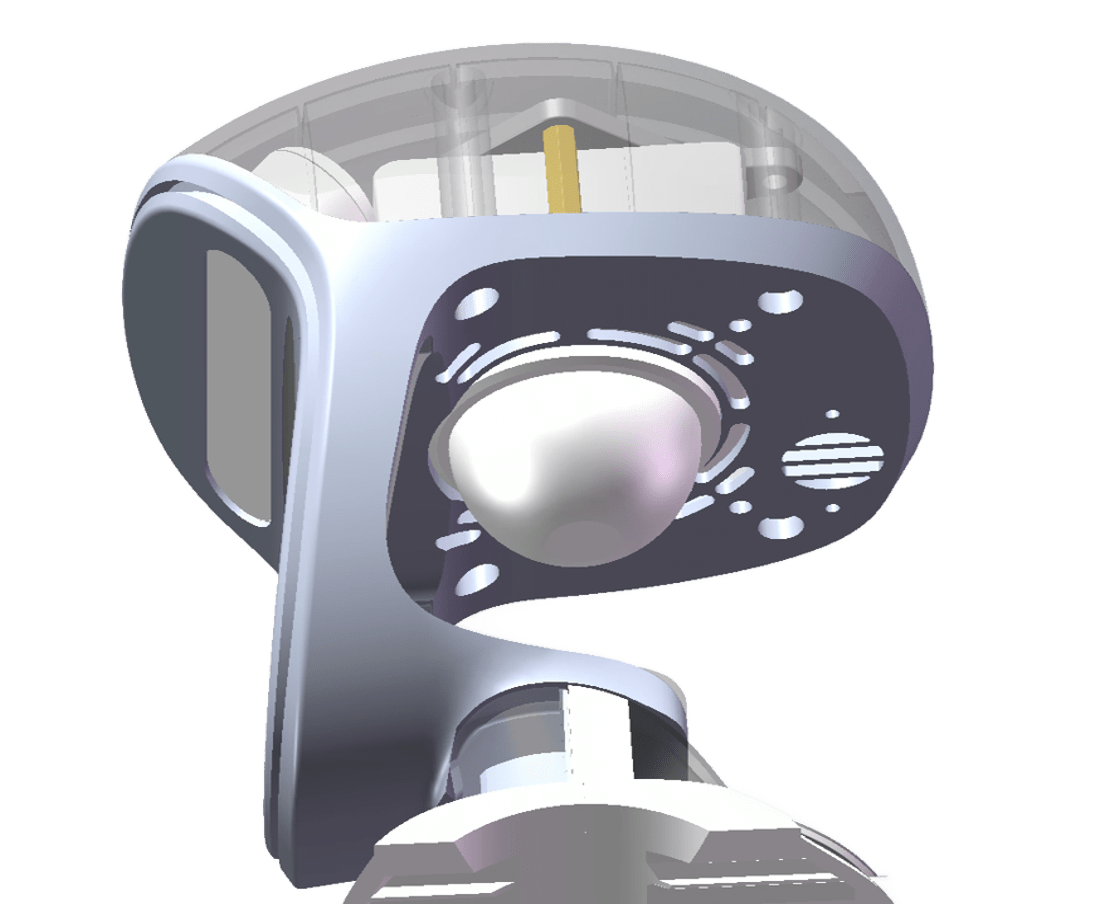 Renewed Head (88mm) |
|
|
|
📥 Renewed 3D Printing Parts |
5.2.2 Stereo Camera 30 FPS
- Materials
| Item | Quantity | Specification | Remarks |
|---|---|---|---|
| Stereo Camera | 1 | 30FPS, 125°FOV, 60mm baseline | For robot head perspective |
| M4x16mm Screws | 2 | Reference | For fastening camera bracket |
| M2x5mm/6mm Screws | 8 | Reference | For fastening (camera - camera mount) and (camera mount - camera cover) |
- 3D Printing Parts
| Item | Camera Bracket | Camera Cover Plate | Download Link |
|---|---|---|---|
|
Classic Head (98mm) |
|
None | 📥 Classic 3D Printing Parts |
|
Renewed Head (88mm) |
|
|
📥 Renewed 3D Printing Parts |
5.2.3 G1 Wrist RealSense D405
RealSense D405 is recommended only for Unitree Dex3-1 end-effector use.
- Materials
| Item | Quantity | Specification | Remarks |
|---|---|---|---|
| RealSense D405 | 2 | Website | For G1 robot wrist (M4010 motors) left & right perspectives |
| USB3.0 Hub | 1 | Issue | Choose a high-quality hub; recommended to connect to Type-C #9 |
| M3-1 Hex Nut | 4 | Reference | For wrist fastening |
| M3x12 Screw | 4 | Reference | For wrist fastening |
| M3x6 Screw | 4 | Reference | For wrist fastening |
- 3D Printing Parts
| Item | Quantity | Remarks | Download Link |
|---|---|---|---|
| D405 Wrist Ring | 2 | To be used with wrist mount | 📥 STEP |
| Left Wrist Camera Mount | 1 | For mounting left D405 camera | 📥 STEP |
| Right Wrist Camera Mount | 1 | For mounting right D405 camera | 📥 STEP |
5.2.4 G1 Wrist Monocular Camera
- Materials
| Item | Quantity | Specification | Remarks |
|---|---|---|---|
| Monocular Camera | 2 | 60FPS, 160° FOV | For G1 robot wrist (M4010 motors) left & right |
| USB3.0 Hub | 1 | Reference | For connecting two wrist cameras |
| M3-1 Hex Nut | 4 | Reference | For wrist fastening |
| M3x12 Screw | 4 | Reference | For fastening wrist mount and ring |
| M2.5x5 Screw | 4 | Reference | For fastening cable clip and wrist bracket |
| M2x5mm/6mm Screws | 8 | Reference | For fastening (camera-bracket) and (bracket-cover) |
- 3D Printing Parts
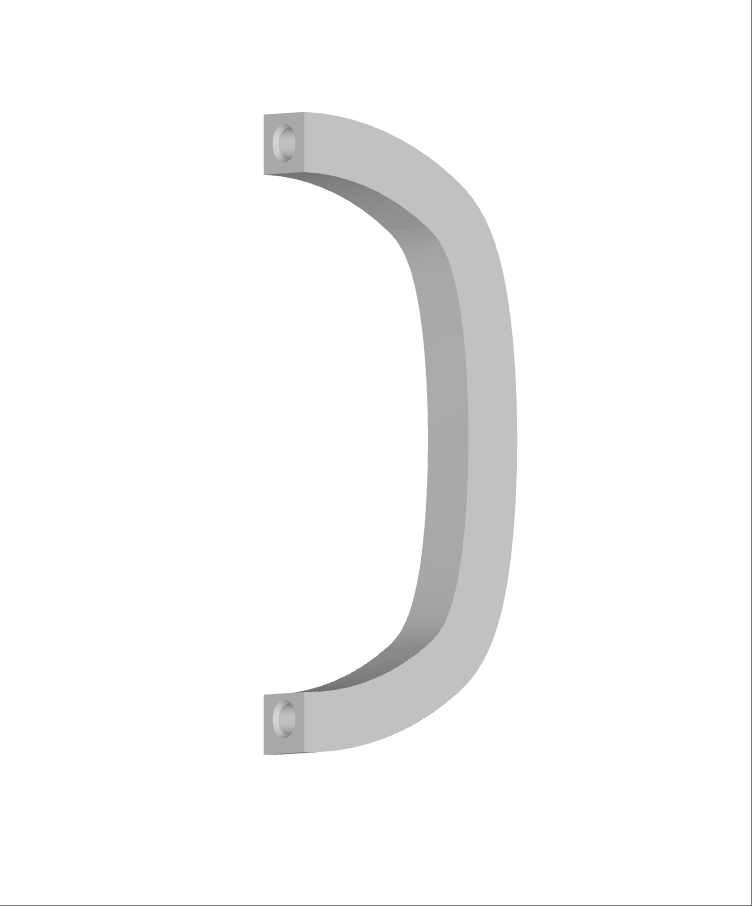
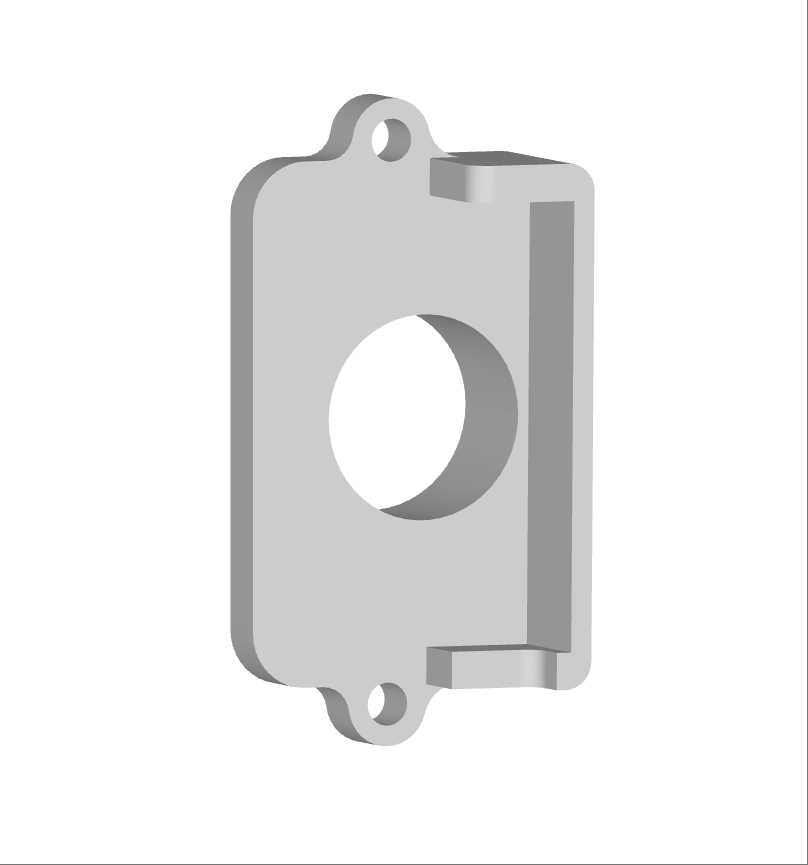
| End-Effector | Camera Mount | Wrist Ring | Camera Cover Plate | Cable Clip | Download Link |
|---|---|---|---|---|---|
| Unitree Dex1-1 | 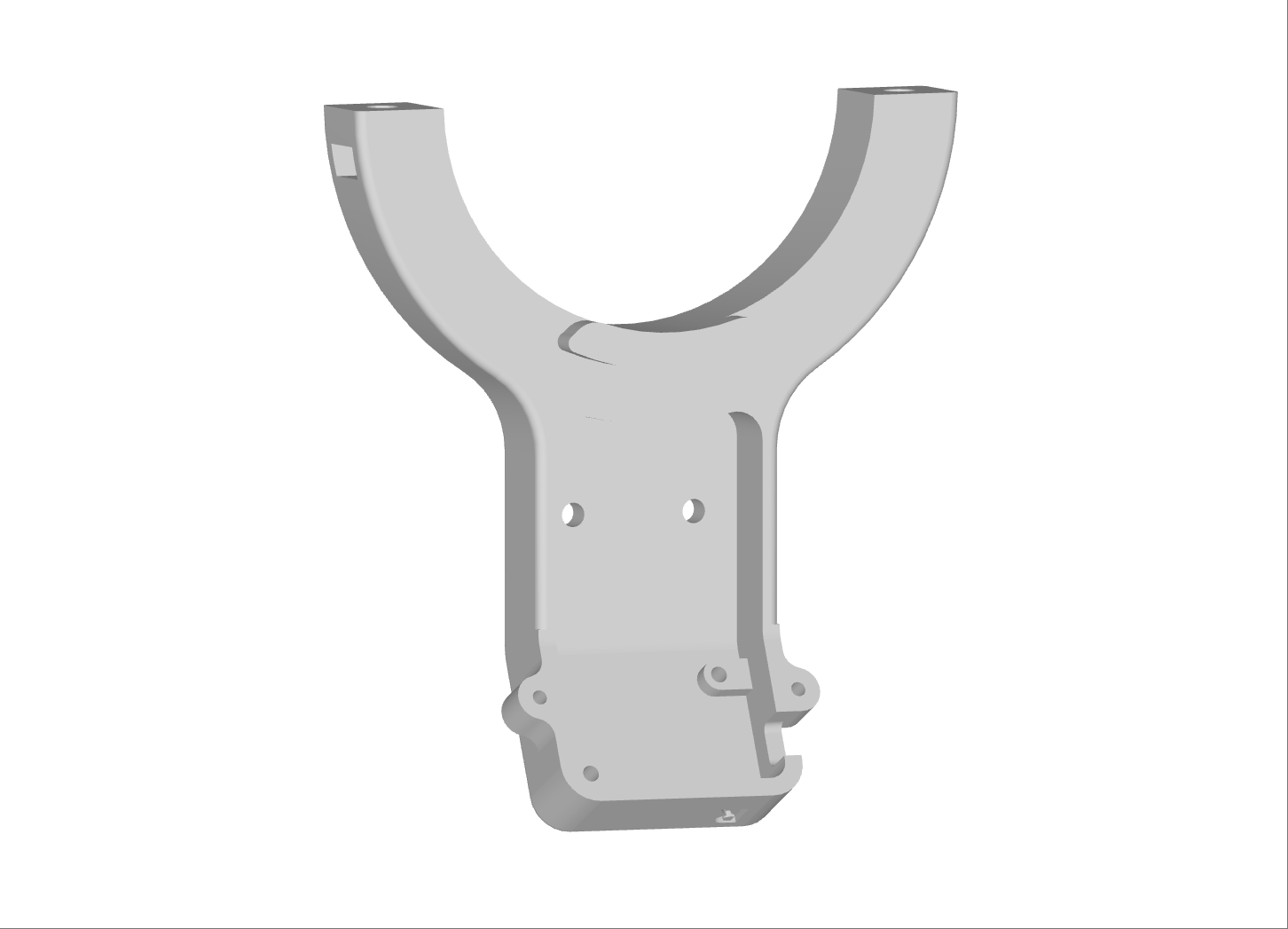 |
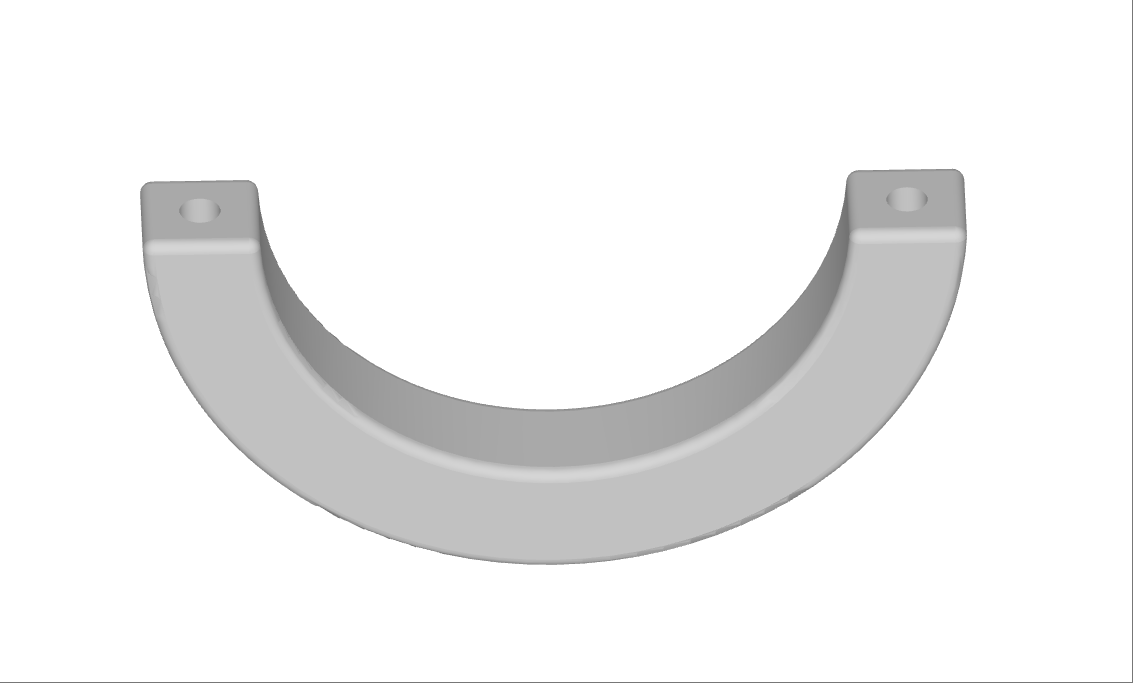 |
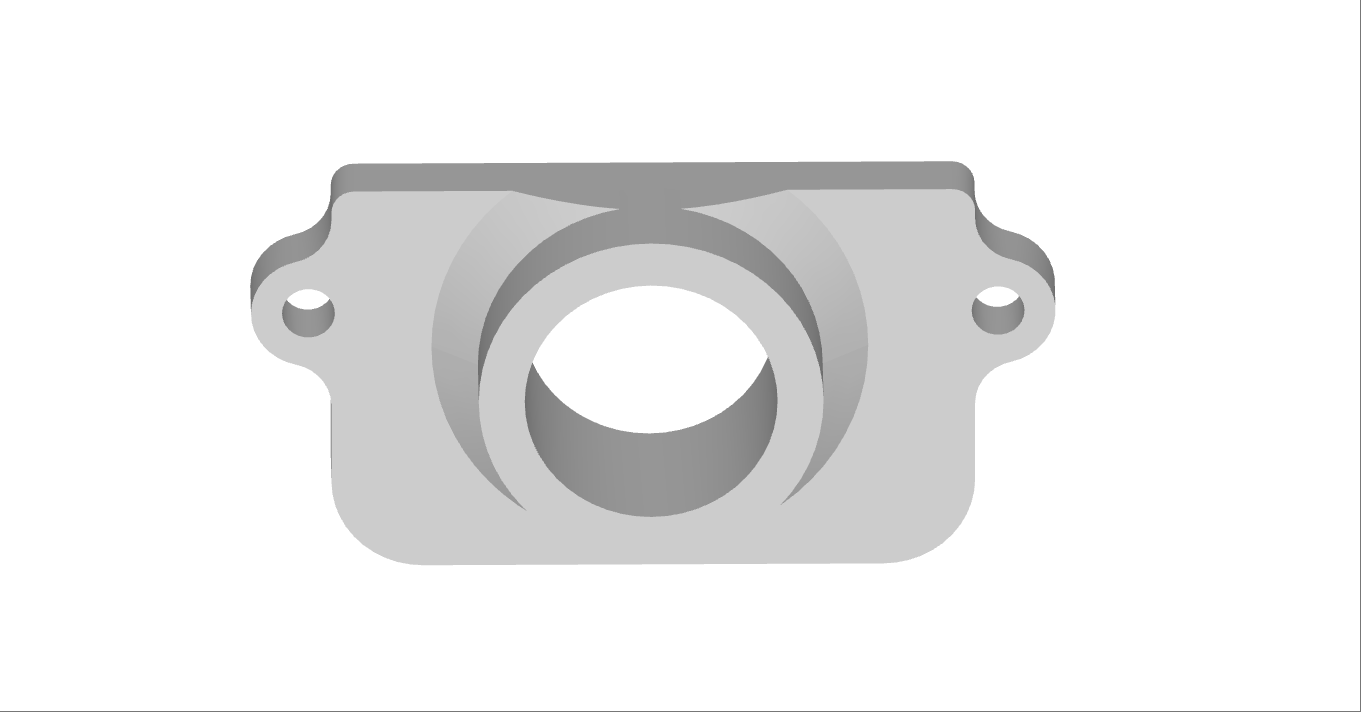 |
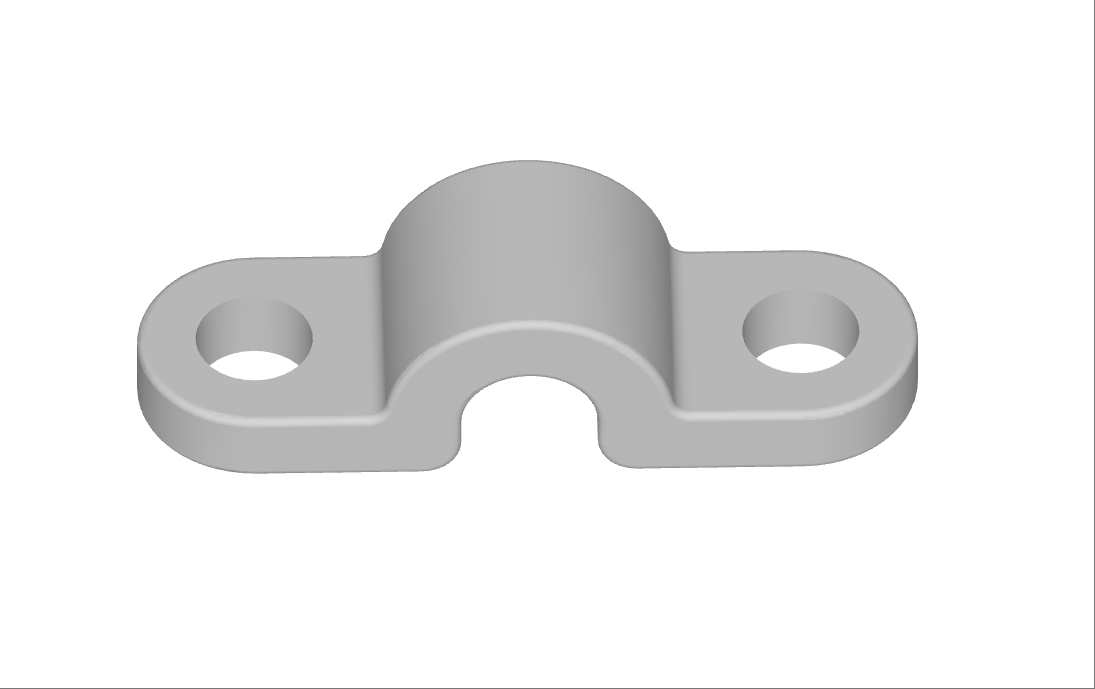
|
📥 Download 3D Printing Parts |
| Unitree Dex3-1 | 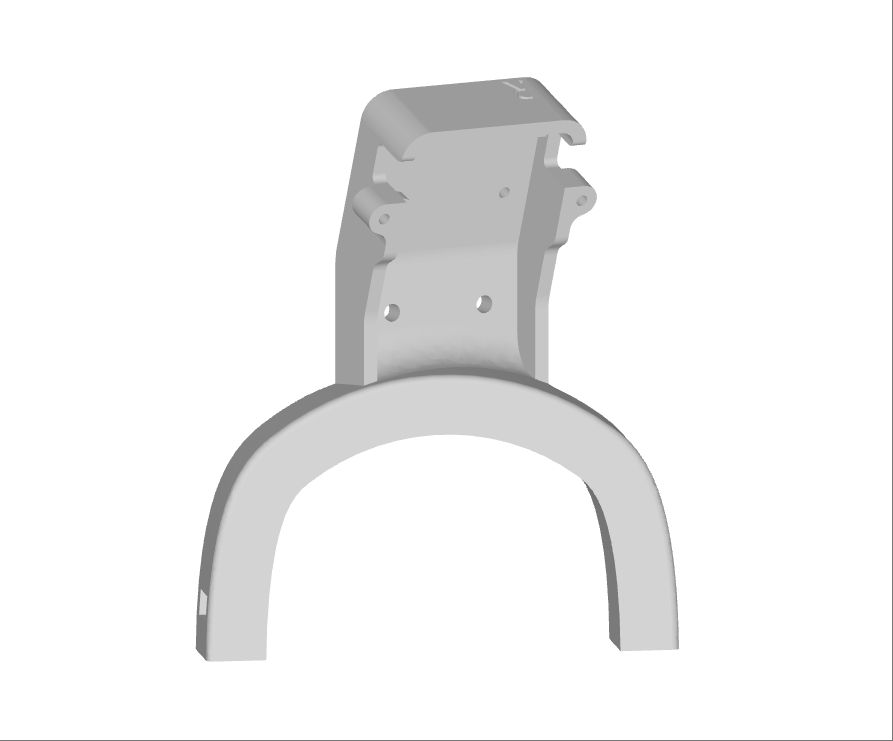 |
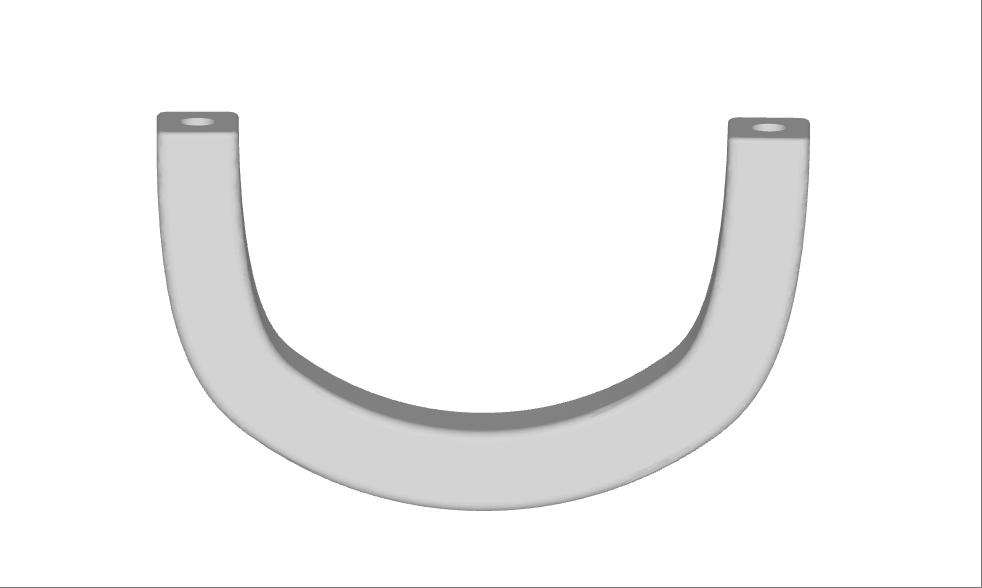 |
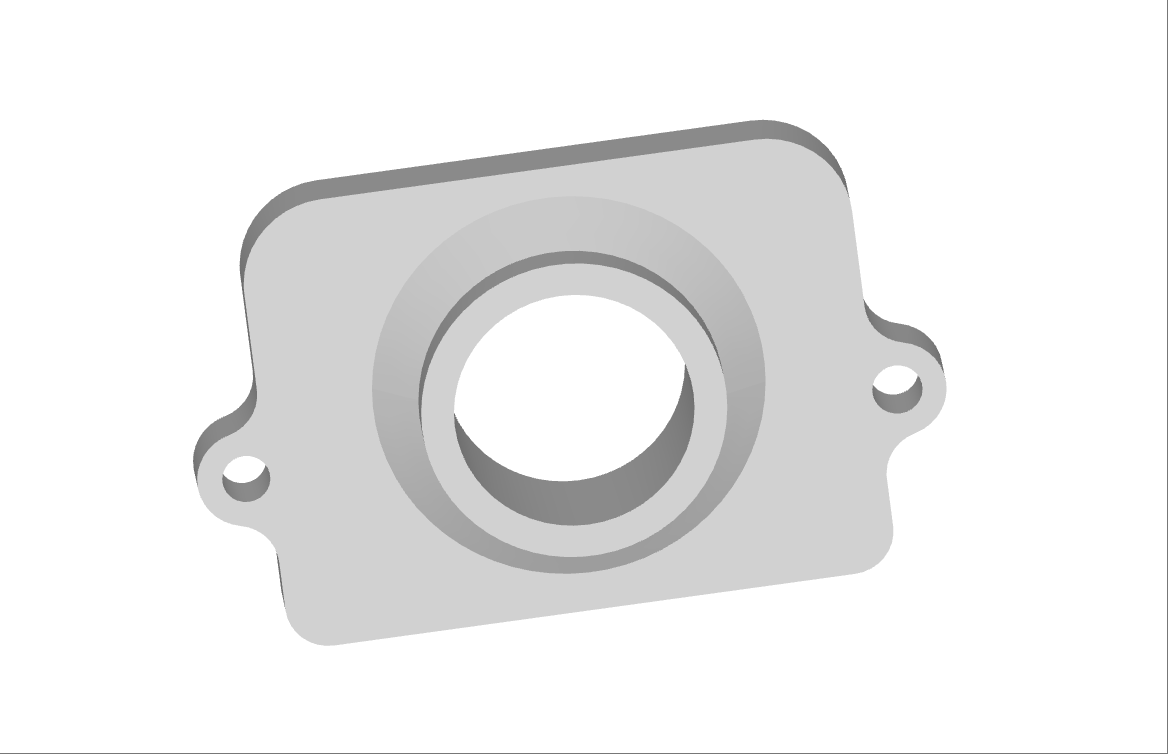 |
||
| Inspire DFX Hand / Brainco Hand | 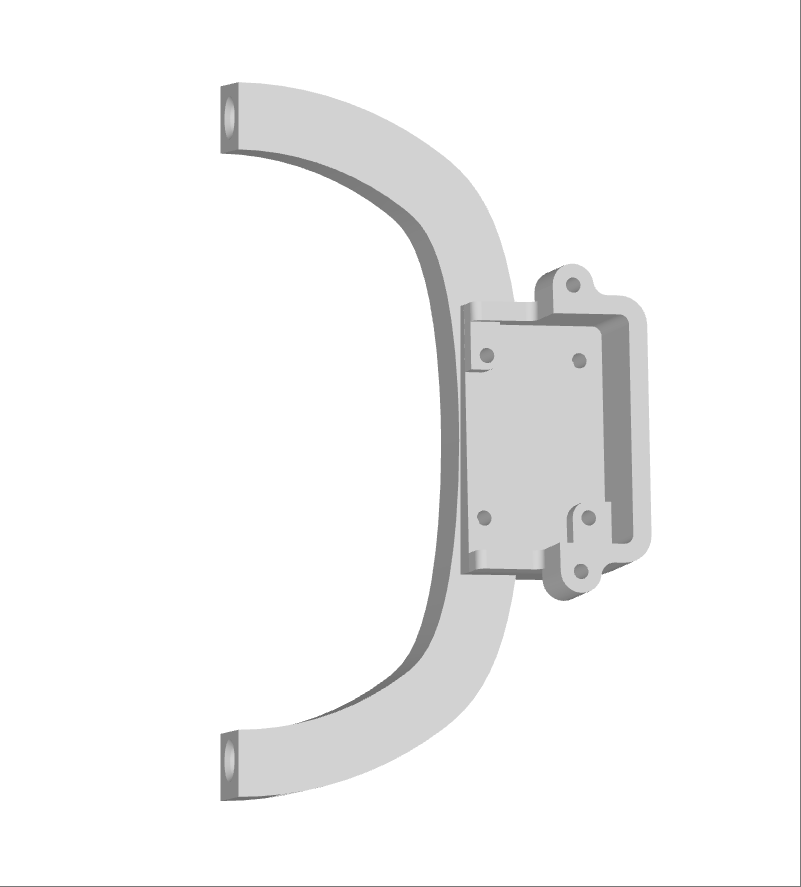 |
 |
 |
5.3 🔨 Installation Illustrations (Partial)
| Item | Simulation | Real Device | ||
|---|---|---|---|---|
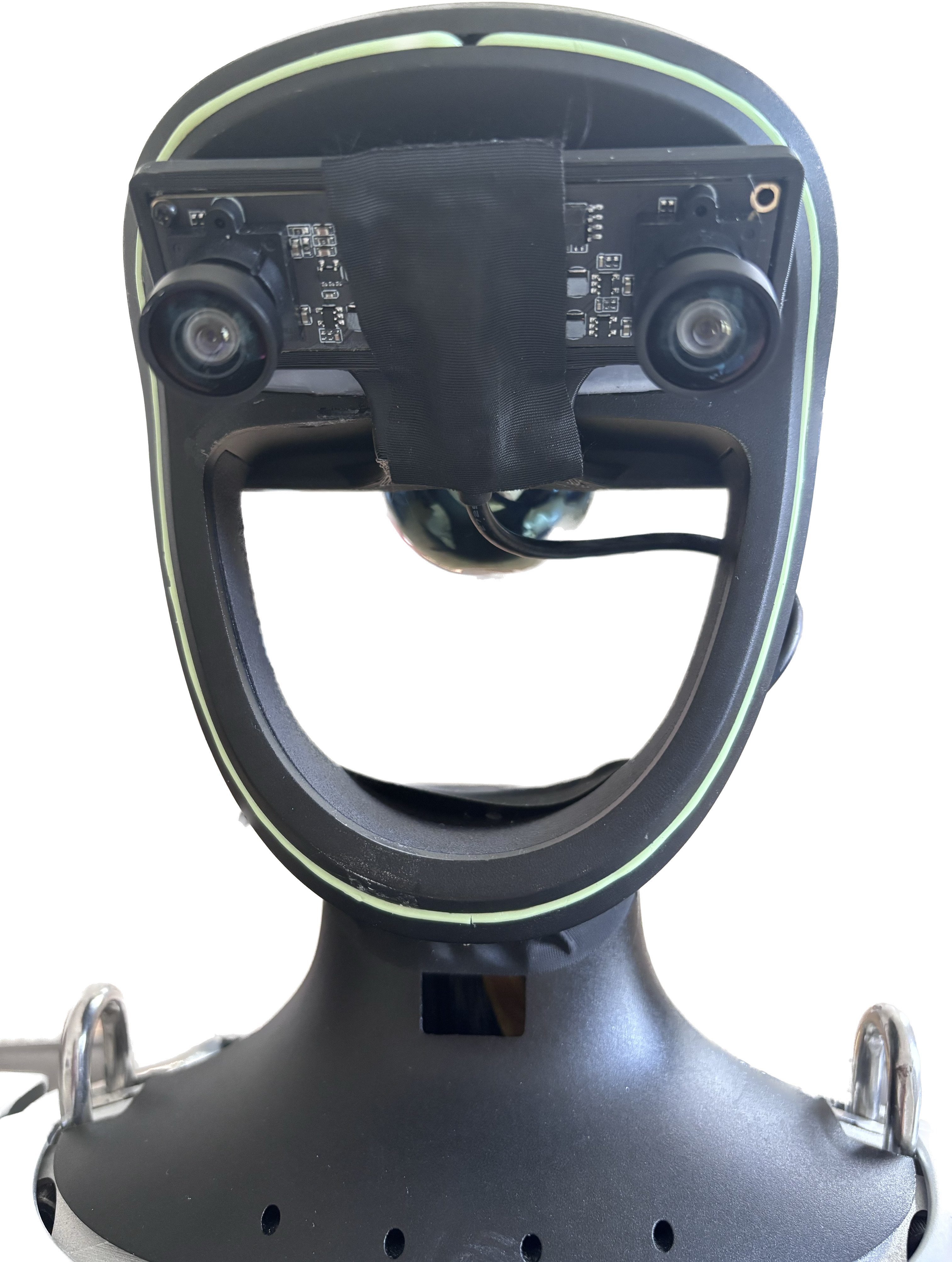
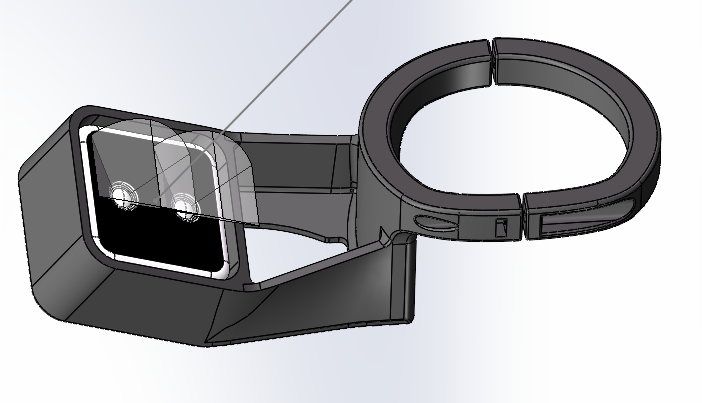
| Head |
|
|
|
|
| Wrist |
|
|
|
|
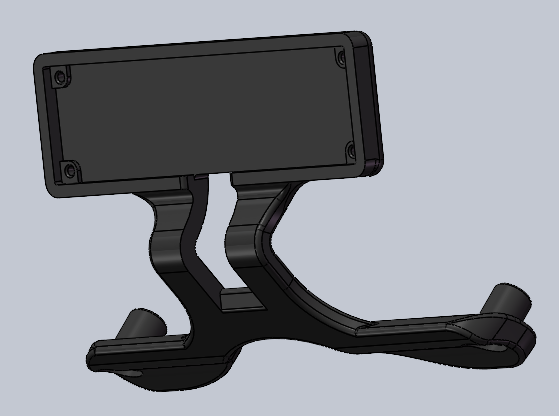
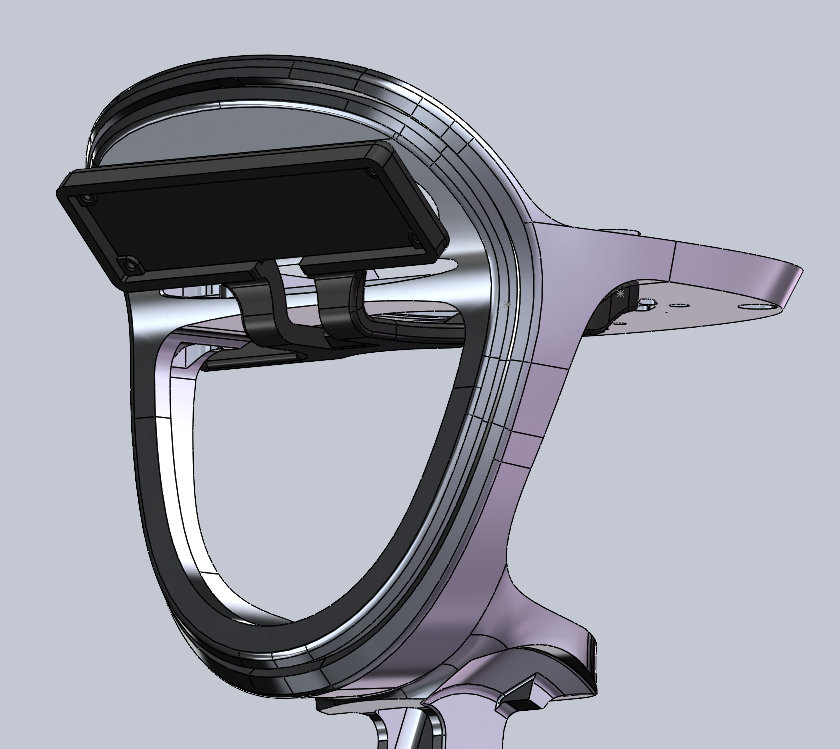
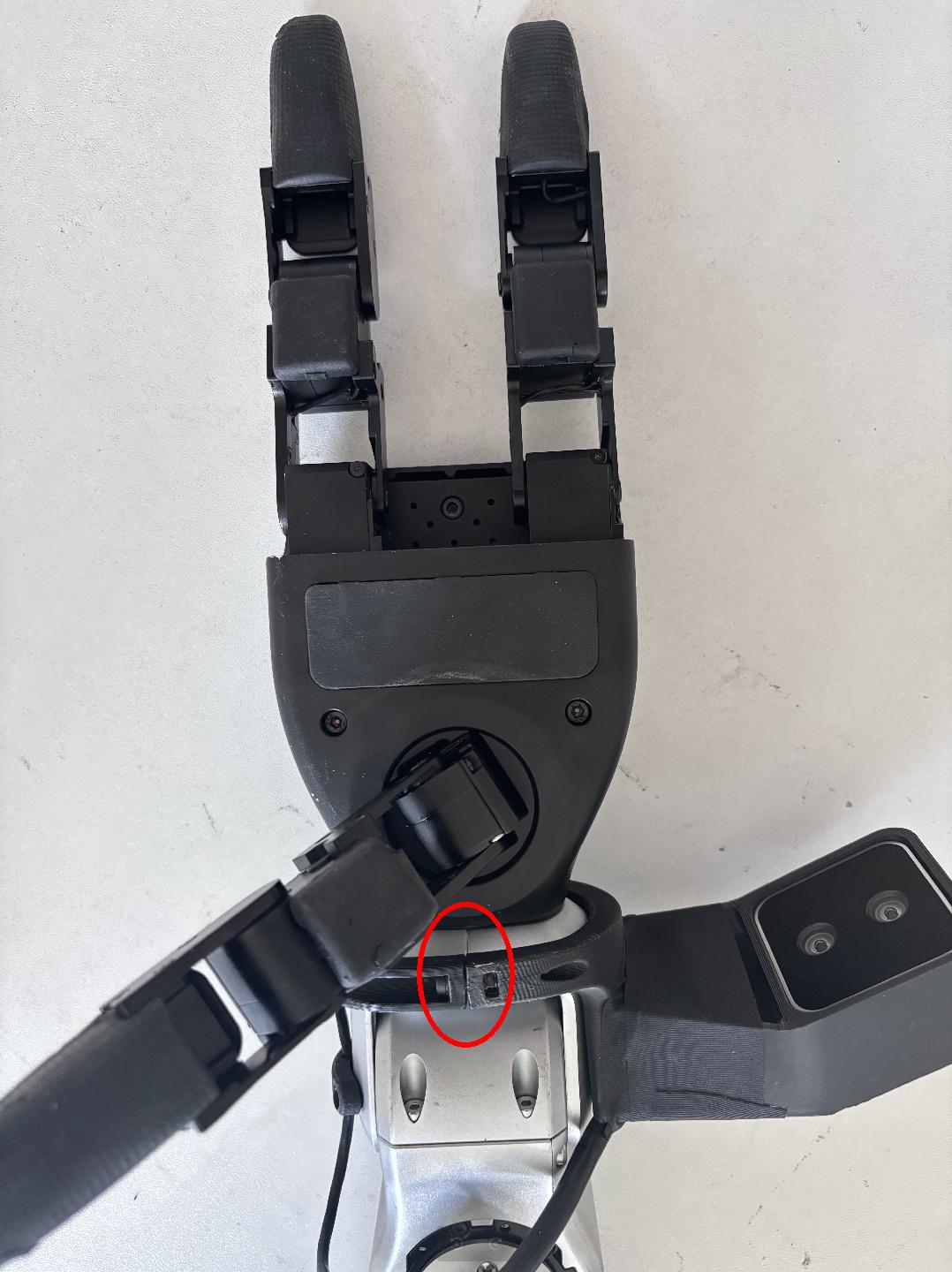
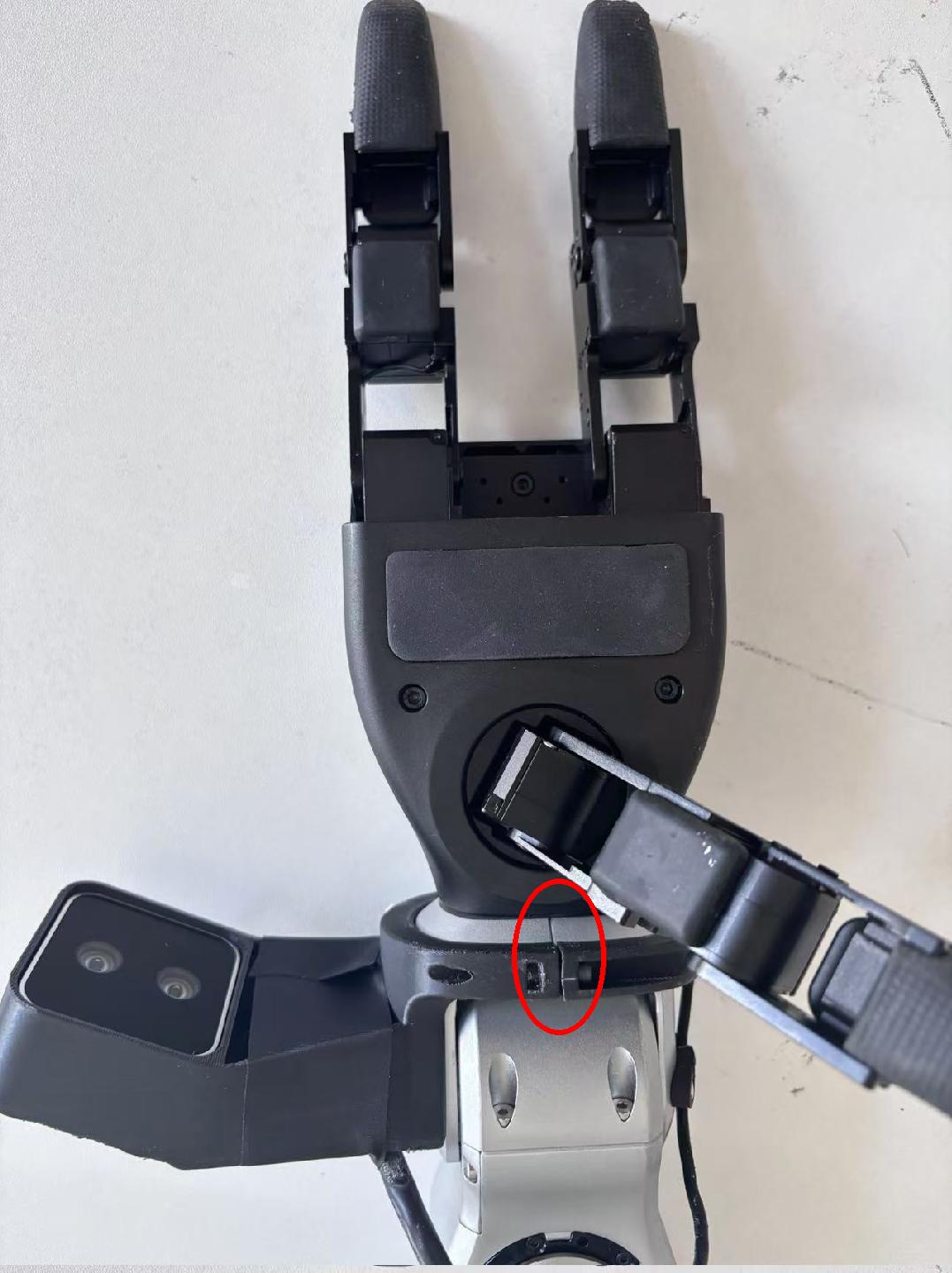
Note: As shown in the red circles, the wrist ring bracket must align with the wrist joint seam.